FIT 9to5
The site for my coaching business: a macro calculator anyone can use and share, plus sign-in and a Stripe subscription for the people I coach.
- Year
- 2025
- Made with
- React, TypeScript, Material UI, Firebase Auth and Functions, Stripe, Vercel
- Links
- Live siteSource on GitHub

FIT 9to5 is my coaching business, and I'm the coach. I started it to share what I learned on my own weight-loss and fitness journey. The pitch is "Get Fit on Your Time": fitness, nutrition and mindset coaching for people with day jobs.
The site has two jobs: take subscription payments without ever touching a card number, and host a free macro calculator that clients and anyone else can use. It started as a copy of Flashcards, my first project with working Stripe subscriptions, and the calculator moved in from its own subdomain later.
The macro formula
The calculator runs entirely in the browser and needs no account. It starts from a maintenance estimate of 14 kcal per pound of current weight, then nudges it toward your goal: one kcal/lb for every 5 lb you want to change, after a 1 lb dead zone.
Every input is mirrored into the query string, so a link reproduces the exact result with no database. The total on screen is recomputed from the rounded grams, so it can land a few kcal above the target. That's on purpose: it matches what you'd actually eat.
multiplier = 14 kcal per lb
  ± (|target − current| − 1) / 5
    toward the goal
  + 1 hard gainer, − 1 easy gainer
calories = ceil(current × multiplier)
protein  = 1 g per lb of target
fat      = 25% of calories ÷ 9
carbs    = whatever's left ÷ 4

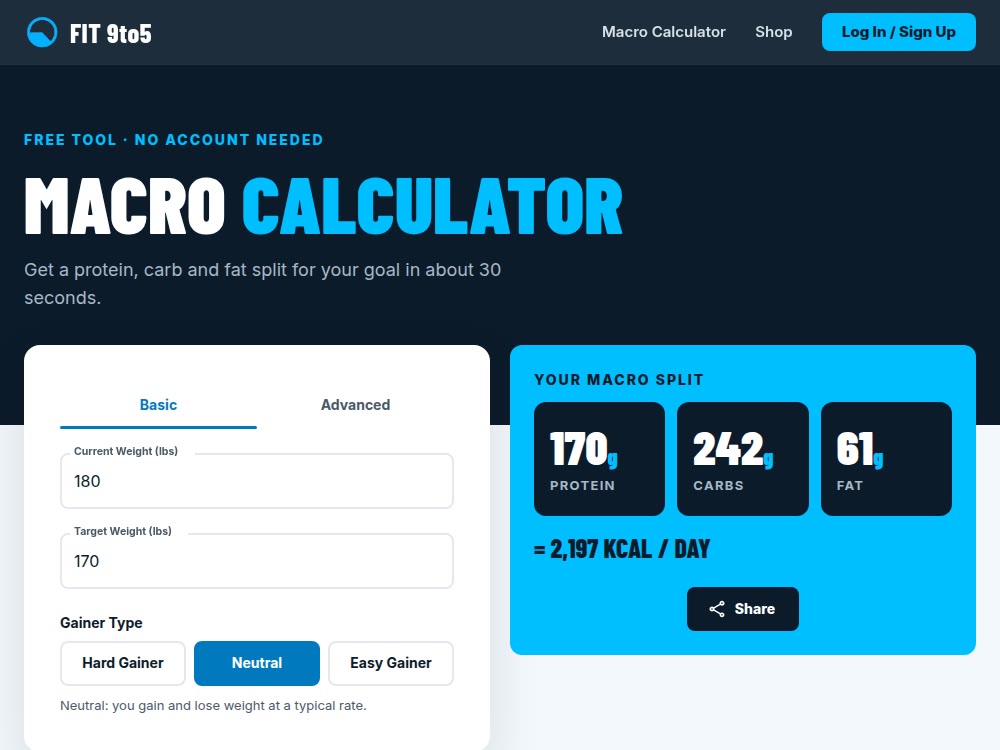
180 lb → 170 lb, neutral:
multiplier = 14 − 9/5 = 12.2
calories   = ceil(180 × 12.2) = 2,196
protein 170 g, fat 61 g, carbs 242 g
(2,197 kcal on screen)
Billing I didn't have to build
Stripe hosts checkout and billing. createCheckoutSession verifies the Firebase ID token, finds or creates the Stripe customer, and passes the uid along as client_reference_id. After that, cancelling, reactivating, updating a card and viewing invoices all happen in Stripe's Customer Portal.
Every one of those changes arrives at stripeWebhook, which checks the signature and writes a single field per user: subscriptionStatus. The site reads that field to decide which button to show.
Signing in on phones
Google sign-in broke twice on mobile before it worked:
signInWithPopupfailed silently on mobile Chrome, so phones now use the redirect flow and desktop keeps the popup.- The redirect then broke on third-party storage blocking, because the OAuth handler lived on Firebase's own domain.
vercel.jsonnow proxies/__/auth/*to that handler, so the whole handshake happens on fit9to5.com.
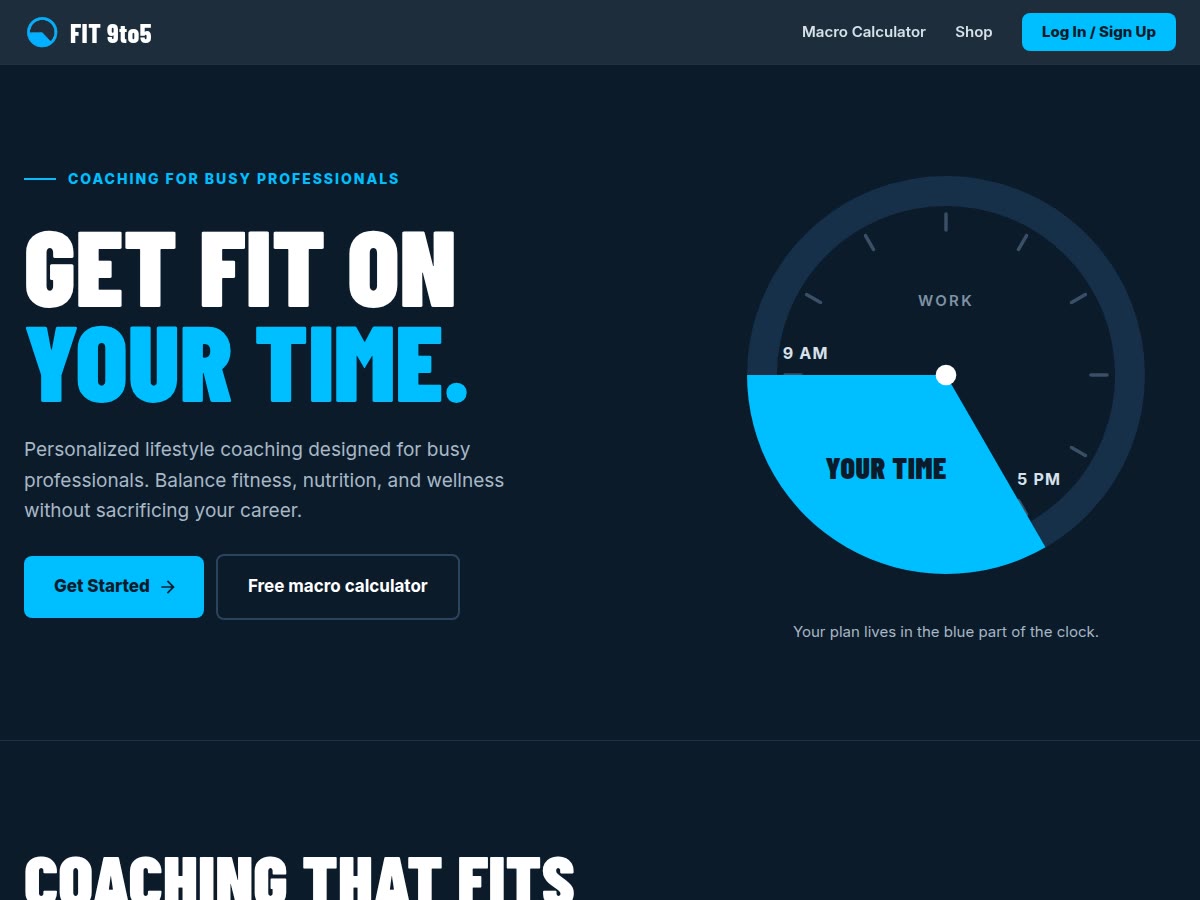
The home page, and the calculator showing the worked example above. The second one is just a URL: /macros?cw=180&tw=170.
- 1
Let the webhook own the state
It doesn't matter whether a cancellation came from my site, the Portal or the Stripe dashboard.
- 2
Don't build what Stripe already hosts
The Customer Portal replaced my cancel buttons and threw in card updates and invoices.
- 3
Mobile browsers eat OAuth popups
Then they eat third-party storage, so proxy the auth handler through your own domain.
- 4
A URL is a free database
Putting the inputs in the query string made every result shareable with zero backend.
html2canvas and the Web Share API